Screencast Explainer Video

Screencast Explainer Video Generator – Create Professional Tutorials

Screencast Explainer Video Generator – Create Professional Tutorials

Screencast Explainer Video Generator – Create Professional Tutorials

Create engaging AI screencast explainer videos quickly and easily. Our AI-powered tool helps you produce high-quality tutorials, demos, and presentations in minutes.

Partner with

Partner with

Partner with

From Raw Screen Recording to Polished Explainer In Minutes

From Raw Screen Recording to Polished Explainer In Minutes

Turn static software demos into engaging, narrated videos

Turn static software demos into engaging, narrated videos

Turn static software demos into engaging, narrated videos

Before

Unedited screen recordings
After

Fully narrated, annotated, and polished screencast videos
What Is a Screencast Explainer Video Generator?

What Is a Screencast Explainer Video Generator?

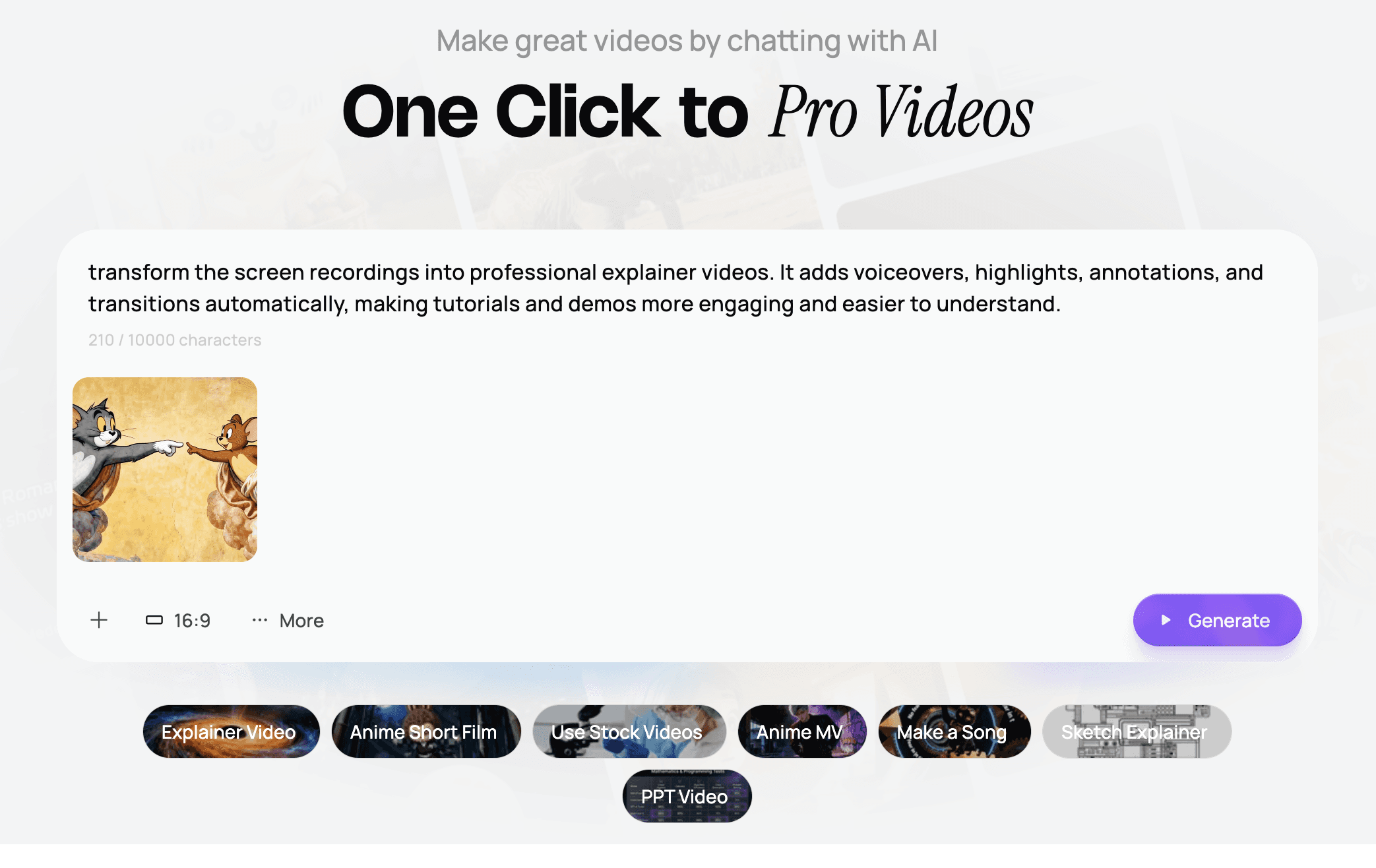
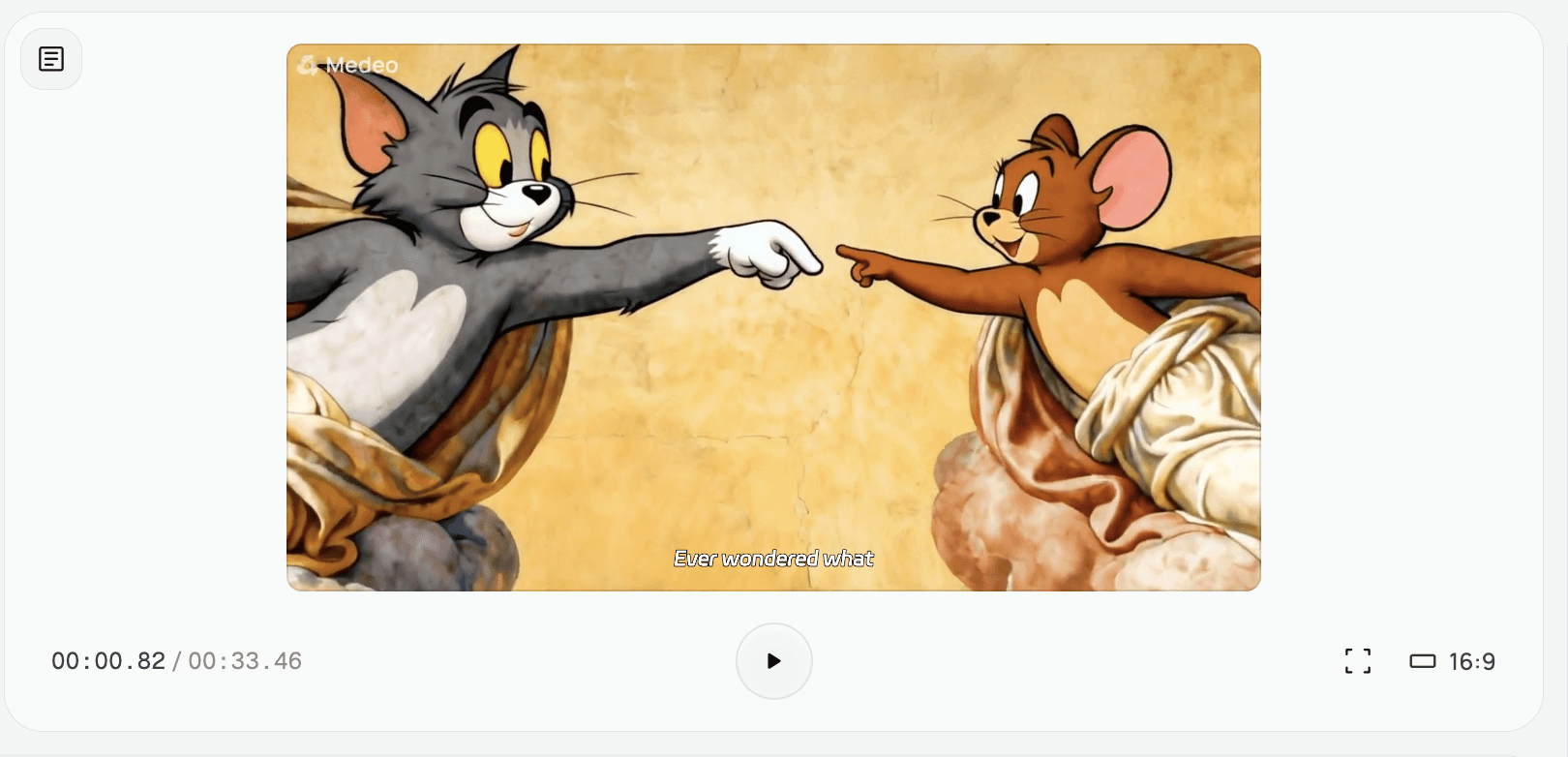
A Screencast Explainer Video Generator uses AI to transform raw screen recordings into professional explainer videos. It adds voiceovers, highlights, annotations, and transitions automatically, making tutorials and demos more engaging and easier to understand.

A Screencast Explainer Video Generator uses AI to transform raw screen recordings into professional explainer videos. It adds voiceovers, highlights, annotations, and transitions automatically, making tutorials and demos more engaging and easier to understand.

A Screencast Explainer Video Generator uses AI to transform raw screen recordings into professional explainer videos. It adds voiceovers, highlights, annotations, and transitions automatically, making tutorials and demos more engaging and easier to understand.

Why Choose Our AI Screencast Explainer Video Generator?

Why Choose Our AI Screencast Explainer Video Generator?

The fastest and easiest way to create professional screencast tutorials

The fastest and easiest way to create professional screencast tutorials

The fastest and easiest way to create professional screencast tutorials

Fast Production

Generate polished screencast videos in minutes, saving editing time.

Fast Production

Generate polished screencast videos in minutes, saving editing time.

Fast Production

Generate polished screencast videos in minutes, saving editing time.

Professional Quality

AI automatically adds annotations, transitions, and voiceovers for a polished look.

Professional Quality

AI automatically adds annotations, transitions, and voiceovers for a polished look.

Professional Quality

AI automatically adds annotations, transitions, and voiceovers for a polished look.

Engaging Narration

AI provides clear and professional narration to guide viewers step by step.

Engaging Narration

AI provides clear and professional narration to guide viewers step by step.

Engaging Narration

AI provides clear and professional narration to guide viewers step by step.

Easy Customization

Highlight important areas, add captions, and adjust timing to fit your style.

Easy Customization

Highlight important areas, add captions, and adjust timing to fit your style.

Easy Customization

Highlight important areas, add captions, and adjust timing to fit your style.

Versatile Applications

Perfect for software tutorials, online courses, product demos, and presentations.

Versatile Applications

Perfect for software tutorials, online courses, product demos, and presentations.

Versatile Applications

Perfect for software tutorials, online courses, product demos, and presentations.

Optimized for Sharing

Export videos in formats ready for YouTube, LinkedIn, or internal training platforms.

Optimized for Sharing

Export videos in formats ready for YouTube, LinkedIn, or internal training platforms.

Optimized for Sharing

Export videos in formats ready for YouTube, LinkedIn, or internal training platforms.

Perfect for Every Content Creator

Perfect for Every Content Creator

From software tutorials to educational content, create professional screencast videos effortlessly

From software tutorials to educational content, create professional screencast videos effortlessly

From software tutorials to educational content, create professional screencast videos effortlessly

Software Tutorials

Create step-by-step guides for any software using screen recordings, and annotations to make learning easy.

Product Promotions

Transform product concepts into compelling promotional videos. Showcase features and benefits.

Product Demos

Showcase features and workflows in a professional, easy-to-follow format.

Internal Training

Produce polished training materials for employees or clients.

Custom Voiceovers & Captions

AI generates narration and captions that match your brand tone.

How to Create Your Screencast Explainer Video with AI?

How to Create Your Screencast Explainer Video with AI?

STEP

1

Upload Your Screen Recording

Provide raw screen captures, presentation slides, or software demos.

STEP

2

AI Annotation & Script

AI analyzes your video, generates voiceover scripts, and adds key highlights.

STEP

3

Customize Presentation

Adjust annotations, captions, and narration style to your preference.

STEP

4

Generate & Distribute

Export a polished screencast video ready for YouTube, social media, or internal use.

More features

For marketers, content creators, educators, and everyone in between.

  • Medeo has accelerated our video production from weeks to mere hours. It's not just another tool; it's our dedicated AI video team.

    Sarah Chen

    Marketing Director

  • I can finally bring my writing to a video audience without having to learn complex editing. Medeo effortlessly transforms my articles into engaging videos in minutes.

    Leo Chen

    Writer & Tech Blogger

  • I get professional, agency-quality videos for our ads without the massive budget. Our social media conversions have noticeably improved since we started using Medeo.

    Emily Carter

    Founder

  • With zero video experience, I can now turn my lecture notes into lively, engaging lessons. My student engagement has skyrocketed thanks to Medeo.

    Dr. Ben Maxwellmpson

    Course Creator

  • Medeo is my secret weapon for reacting to social media trends in real-time. I can go from a new idea to a published, on-brand video in under an hour.

    Chloe Davis

    Social Media Manager

  • I've tested every AI video tool out there, and Medeo is the first to truly impress me. The output feels genuinely creative, not robotic, thanks to its superior sense of storytelling.

    Mark Jennings

    Tech Editor

For marketers, content creators, educators, and everyone in between.

  • Medeo has accelerated our video production from weeks to mere hours. It's not just another tool; it's our dedicated AI video team.

    Sarah Chen

    Marketing Director

  • I can finally bring my writing to a video audience without having to learn complex editing. Medeo effortlessly transforms my articles into engaging videos in minutes.

    Leo Chen

    Writer & Tech Blogger

  • I get professional, agency-quality videos for our ads without the massive budget. Our social media conversions have noticeably improved since we started using Medeo.

    Emily Carter

    Founder

  • With zero video experience, I can now turn my lecture notes into lively, engaging lessons. My student engagement has skyrocketed thanks to Medeo.

    Dr. Ben Maxwellmpson

    Course Creator

  • Medeo is my secret weapon for reacting to social media trends in real-time. I can go from a new idea to a published, on-brand video in under an hour.

    Chloe Davis

    Social Media Manager

  • I've tested every AI video tool out there, and Medeo is the first to truly impress me. The output feels genuinely creative, not robotic, thanks to its superior sense of storytelling.

    Mark Jennings

    Tech Editor

For marketers, content creators, educators, and everyone in between.

  • Medeo has accelerated our video production from weeks to mere hours. It's not just another tool; it's our dedicated AI video team.

    Sarah Chen

    Marketing Director

  • I can finally bring my writing to a video audience without having to learn complex editing. Medeo effortlessly transforms my articles into engaging videos in minutes.

    Leo Chen

    Writer & Tech Blogger

  • I get professional, agency-quality videos for our ads without the massive budget. Our social media conversions have noticeably improved since we started using Medeo.

    Emily Carter

    Founder

  • With zero video experience, I can now turn my lecture notes into lively, engaging lessons. My student engagement has skyrocketed thanks to Medeo.

    Dr. Ben Maxwellmpson

    Course Creator

  • Medeo is my secret weapon for reacting to social media trends in real-time. I can go from a new idea to a published, on-brand video in under an hour.

    Chloe Davis

    Social Media Manager

  • I've tested every AI video tool out there, and Medeo is the first to truly impress me. The output feels genuinely creative, not robotic, thanks to its superior sense of storytelling.

    Mark Jennings

    Tech Editor

Want to know more

Want to know more

What is an AI Screencast Explainer Video Generator?

What is an AI Screencast Explainer Video Generator?

It's a tool that uses artificial intelligence to automatically create videos demonstrating screen activity, often with AI-generated voiceovers. You provide the content, and the AI handles the recording, narration, and editing to produce a professional screencast.

Do I need any technical skills to use this generator?

Do I need any technical skills to use this generator?

No, our AI Screencast Explainer Video Generator is designed for users of all skill levels. You don't need any prior experience in video editing or screen recording. The intuitive interface guides you through the entire process.

Can I customize the AI voice and visuals?

Can I customize the AI voice and visuals?

Absolutely! Our tool offers a wide selection of AI voices with different accents and tones. You can also customize visual elements like cursor highlights, annotations, background music, and overall video style to match your brand.

What kind of content can I create with this tool?

What kind of content can I create with this tool?

You can create a wide range of content including software tutorials, product demos, employee training videos, customer support explainers, educational lessons, marketing highlights, and much more – anything that benefits from explaining on-screen actions.

Is there a limit to the length of the videos I can create?

Is there a limit to the length of the videos I can create?

While there are practical limits based on your subscription plan, our generator is capable of producing screencast videos of varying lengths, from short snippets to comprehensive long-form tutorials.