


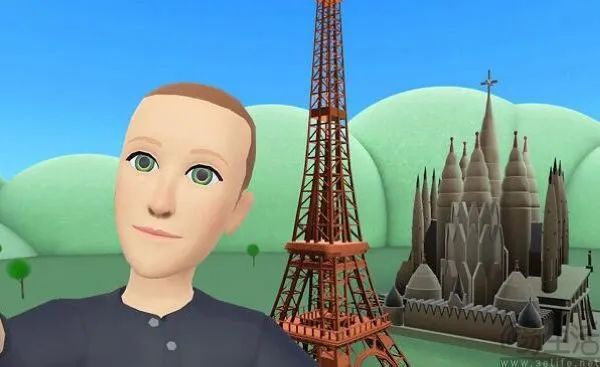
Before
After
Reasons to Try Sora 2 Picture-to-Video
Key Features
Sora Picture to Video Generator
Upload a still image — Sora 2 predicts motion, texture, and environment around it. Medeo refines transitions, framing, and rhythm to achieve cinematic consistency.
Depth & Motion Layer Engine
Automatically detects perspective and generates parallax effects, dynamic camera pans, and lifelike lighting for added realism.
AI Style Preservation
Keep artistic integrity intact. Whether it’s anime art, oil painting, or photography, Medeo ensures the animation matches the original aesthetic.
STEP
1
Step 1 — Upload Your Image
Choose a photo, artwork, or frame. High-resolution visuals work best for smoother motion and lighting prediction.
STEP
2
Step 2 — Generate Motion with Sora 2
Enter a short motion prompt like “slow cinematic zoom with drifting clouds” or “gentle head turn and soft light shift.”
STEP
3
Step 3 — Enhance in Medeo
Use Medeo to refine your AI animation — stabilize motion, adjust camera flow, and match soundtrack or ambience.
STEP
4
Step 4 — Export and Share
Render in 4K or social-ready vertical formats. Perfect for showcasing digital art, photography, or branded visuals that move.
Our Top Features






Yes — as long as the image has clear structure or focus, Sora 2’s motion engine and Medeo’s stabilizer can create realistic animation.
Absolutely. Many creators use Sora 2 + Medeo to bring AI artworks or Midjourney outputs to life.
Yes. Medeo’s timeline editor lets you fine-tune zoom, pan, and timing — or auto-generate motion for quick results.
Medeo exports up to 4K MP4, WebM, and square or vertical aspect ratios for TikTok, YouTube Shorts, or reels.